

Direct answer: One Block is a specialized survival mode where you start standing on a single block floating in the sky, and every time you break it a new random block appears — evolving from dirt and wood all the way to diamond and netherite. It is available for mobile (Bedrock) as a ready file that opens in one tap, and you can download two ready versions from us below.
The One Block Idea: How Do You Play?
You have one block only — the spawn block. Every time you break it, something new comes out: sometimes wood, sometimes stone, sometimes hostile mobs or bonus chests! The goal: build a whole world from scratch out of that single block.
The block goes through roughly 10 phases: Nature ← Surface ← Underground ← Caves ← The Nether ← The Creepers ← The End ← and the Finale. Each phase unlocks rarer resources, and advanced phases need better tools to break blocks efficiently.
Download One Block for Mobile — Two Ready Versions
1. One Block Bedrock — The Most Popular
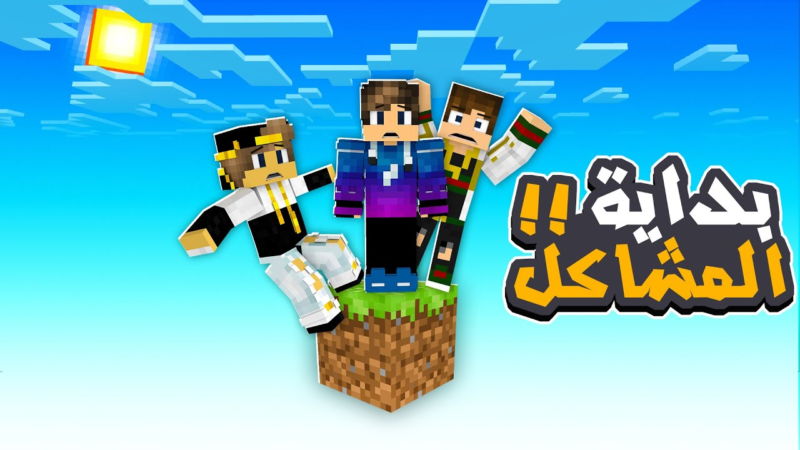
Our most downloaded version (12,000+ downloads): a complete One Block world that opens directly on mobile, with the block cycling through all phases to the finale.
Download One Block Bedrock here ←
2. One Block Light — The Lighter Take
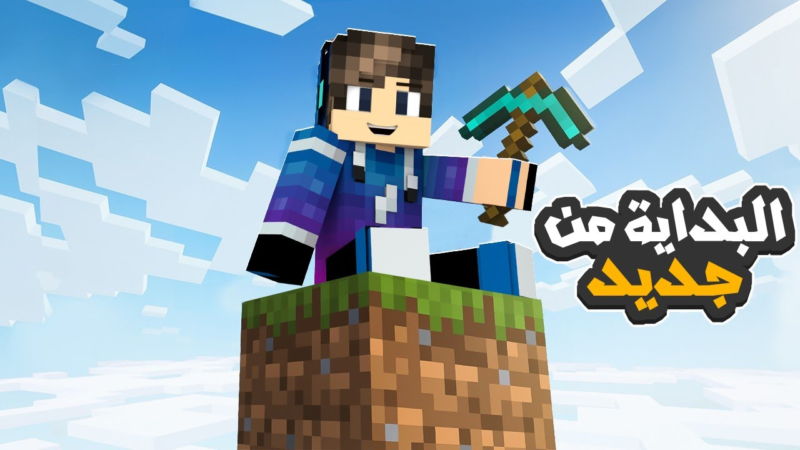
Another version with a different style and organized phases — if this is your first One Block experience, start here to learn the rhythm.
Installing on Mobile in 3 Steps
- Download a version above — the file is
.mcworldor.mcaddon - Tap the file — Minecraft opens and imports the world automatically
- Find it in your worlds list — enter and start from the block!
If the file doesn't open, check our mod installation guide — it covers every import problem.
5 Tips to Become a One Block Pro
- Build a fence on day one: mobs coming out of the block can jump onto your platform — seal the play area before reaching the creeper phase
- Don't bridge to the Nether early: wait until you have diamond tools — advanced blocks demand them anyway
- Make a sorted storage: blocks drop lots of items fast — 4 labeled chests (building / food / tools / rare) make a huge difference
- Use the water trick: keep the block next to water — it protects you from falls and gathers mobs in one spot
- Patience in the Nether phase: the hardest one — don't rush breaking blocks unprepared; craft your best sword and armor first
Common Questions
Wondering if these One Block files are safe? Every file of ours is scanned before publishing — details in the mod safety guide. Want to expand your world after finishing? Browse the ready Minecraft maps for mobile — adventures and survival maps at every difficulty.
Bottom Line
One Block is the cleanest survival challenge in Minecraft: one block and a whole world ahead of you. Download the main version here and start your journey from the sky — and tell us in the comments which phase you reached!


