

Direct answer: The best lightweight texture packs for Minecraft in 2026 are: Vanilla x Optimizer FPS Boost for the strongest FPS gain, Boosted FPS for performance without visual changes, Bare Bones for a simplified vibrant design, FPS Booster for speeding up old and new versions, Gan3 Optimal FPS for PvP fans, and Faithful 32x for light detail with an improved look. All tested on low-end devices with direct links.
You do not need a powerful device to enjoy smooth gameplay. The right pack can noticeably raise FPS and make your experience completely smooth — this guide gathers our 6 lightest resource packs, all working on weak and mid-range devices.
How Can a Simple Resource Pack Raise FPS?
The idea is simple: every block in the game loads from your device graphics memory. When a pack lowers resolution, simplifies textures or removes complex particles, the device frees more resources for the game itself — resulting in higher FPS, faster loading and less heat. A resource pack will not turn a 3GB phone into a gaming device, but the difference it makes is real, especially in villages and dense forests. For a deeper improvement, lightweight shaders are the next step.
1. Vanilla x Optimizer FPS Boost — The Strongest FPS Gain
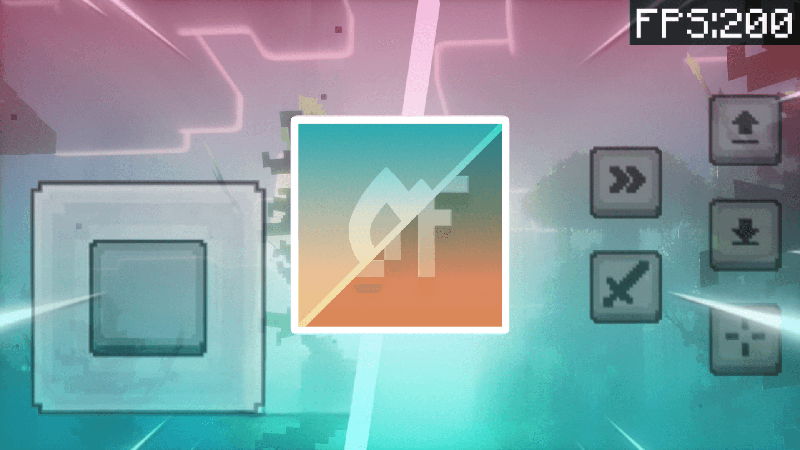
The first pack we recommend for any weak device: strong performance optimization while keeping the original vanilla look, running on 26.40 and newer. A smooth, lag-free experience on all devices.
Download Vanilla x Optimizer here ←
2. Boosted FPS — Performance Without Visual Changes
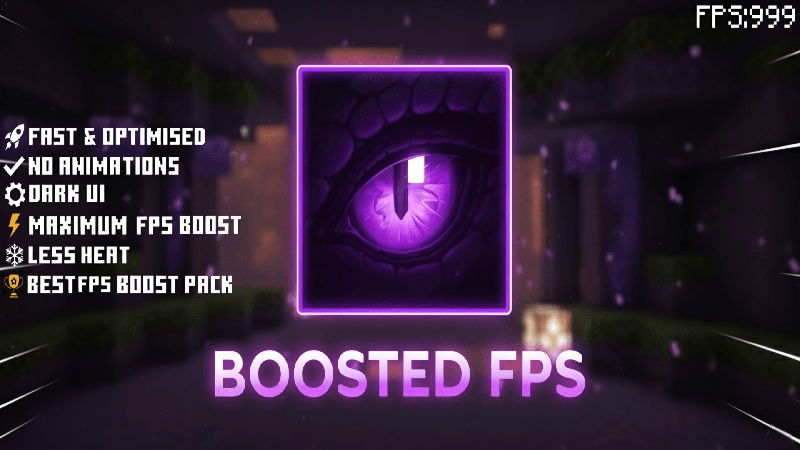
If you do not want your game to change at all: this pack raises FPS noticeably while keeping the default look exactly as it is — a perfect pick for vanilla fans who need more performance.
3. Bare Bones — Simple, Vibrant Design
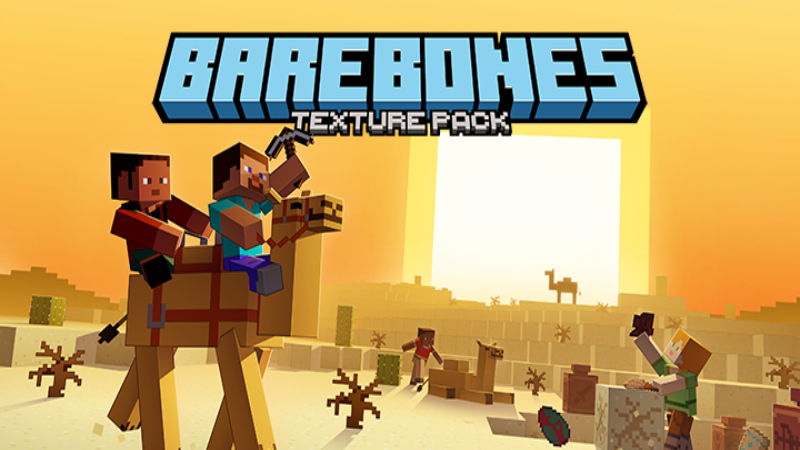
This pack turns the world into a simplified design with vibrant colors matching the game official trailers. Its simple textures reduce device load while giving a distinctive look — light and beautiful at once.
4. FPS Booster — No Lag Across Versions
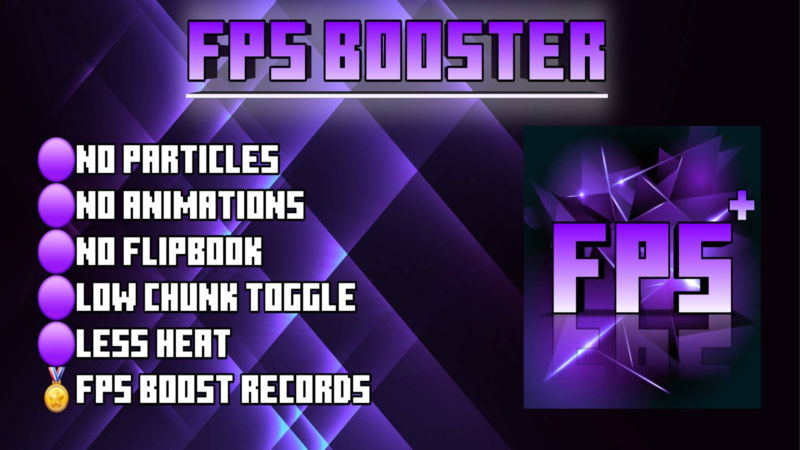
Specialized in removing lag and raising FPS, working across a wide range of versions from 1.16 up to 1.21 — so even if your game is not the latest release, you will find compatibility.
5. Gan3 Optimal FPS — The PvP Pick
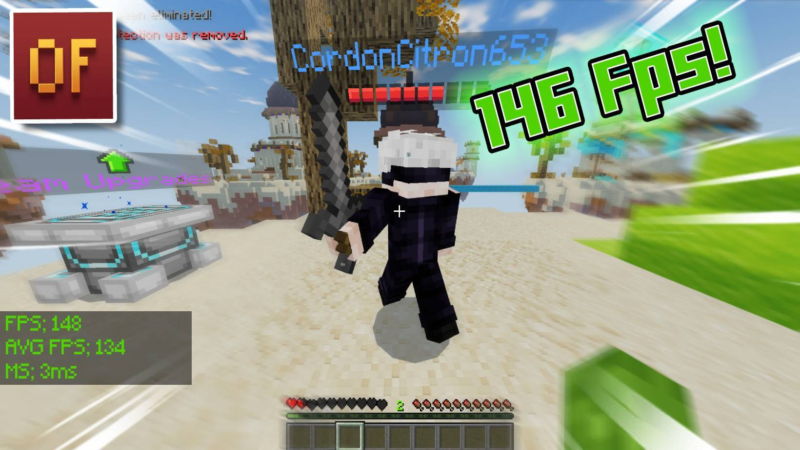
It removes hidden particles and simplifies graphics for a faster, more stable experience — exactly why it is a favorite among PvP players who need maximum smoothness in matches.
Download Gan3 Optimal FPS here ←
6. Faithful 32x — The Lightest Improved Detail
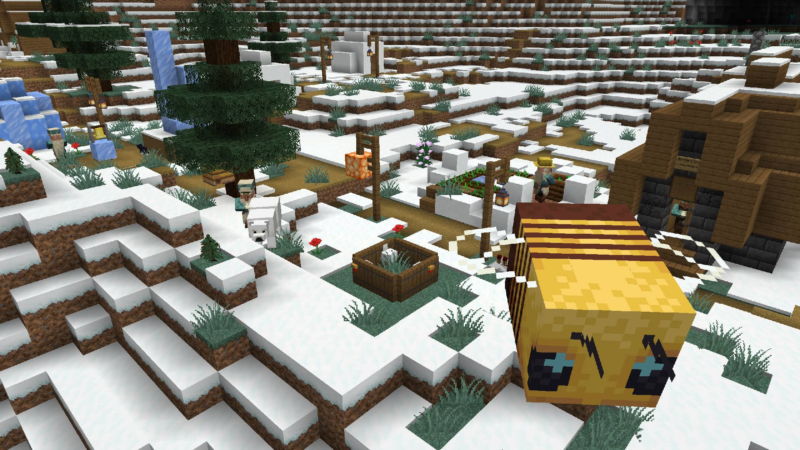
If you want a better look than vanilla without paying in FPS: 32x resolution with the lowest possible rendering cost, redesigning textures in a modern style that keeps color consistency.
Quick Comparison
| Pack | Best at | Suits |
|---|---|---|
| Vanilla x Optimizer | Raising FPS | All weak devices |
| Boosted FPS | Performance, same look | Vanilla fans |
| Bare Bones | Distinct simple look | Building and screenshots |
| FPS Booster | Wide version support | Older versions |
| Gan3 Optimal FPS | PvP smoothness | Servers and matches |
| Faithful 32x | Light improved detail | Very weak devices |
Extra Steps to Gain Even More FPS
Lower render distance to 8 chunks, turn off fancy graphics in video settings, and close background apps. If you want nicer lighting without losing smoothness, try the best lightweight shaders for low-end devices — and the full pack list is on the resource packs page.
Bottom Line
Start with Vanilla x Optimizer for the biggest performance difference, or Boosted FPS if you want the look untouched — all free with direct links. When you upgrade to a stronger device, check the best realistic texture packs for Minecraft — and file safety comes first: the mod safety guide explains how we scan every pack before publishing.


