

Direct answer: To install Minecraft Java mods: 1) download Forge or Fabric matching your game version 2) install the loader and launch the game with it once 3) drop the mod .jar file into the mods folder inside .minecraft 4) launch from the same loader — done. Under 5 minutes the first time, one minute per mod after that.
Loaders: Forge vs Fabric?
Java mods do not run on their own — they need a Loader that opens the game for them:
- Forge: the oldest and most famous — far more mods, slightly heavier on performance
- Fabric: newer and lighter — updates faster with every game version, and its mod library grows quickly
- NeoForge: an evolved Forge fork for modern big mods
The golden rule: a mod runs on a specific loader and version — if the mod says Forge 1.21.1 you need the Forge loader and game version 1.21.1 exactly.
Method 1: Installing with Forge (Most Popular)
- Go to the official Forge site (files.minecraftforge.net) and pick your game version
- Download the Installer — run it
- Choose Install client and press OK — Forge now appears as a profile in the launcher
- Open the Minecraft launcher ← select the Forge version ← run the game once to the main menu (this creates the game folders) and close it
- Press Win + R, type
%appdata%and enter the.minecraftfolder - You will find a folder named mods — drop the mod
.jarfile in as-is, no extraction - Launch the game with the same Forge version — check the Mods menu to confirm it loaded ✅
Method 2: Installing with Fabric (Lighter)
- Download the Fabric Installer from the official site (fabricmc.net)
- Run the installer and press Install — Fabric appears in the launcher
- Also download Fabric API (required by most mods) and put it in the mods folder too
- Drop your
.jarmods into the mods folder and launch with the Fabric profile
Try Java Mods From Our Library
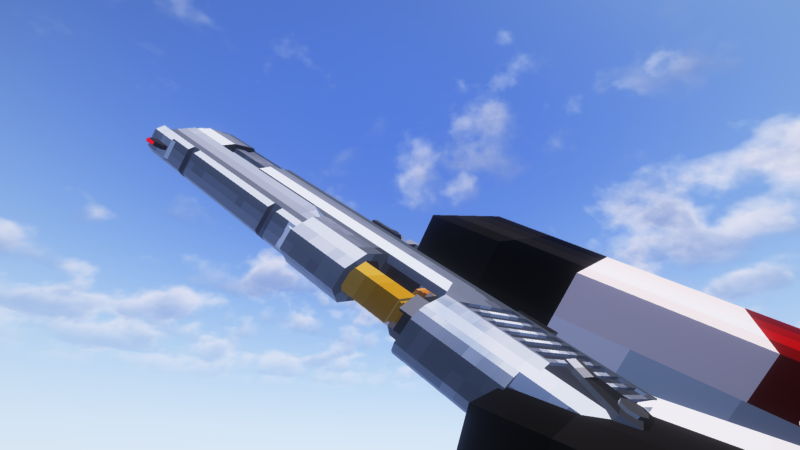
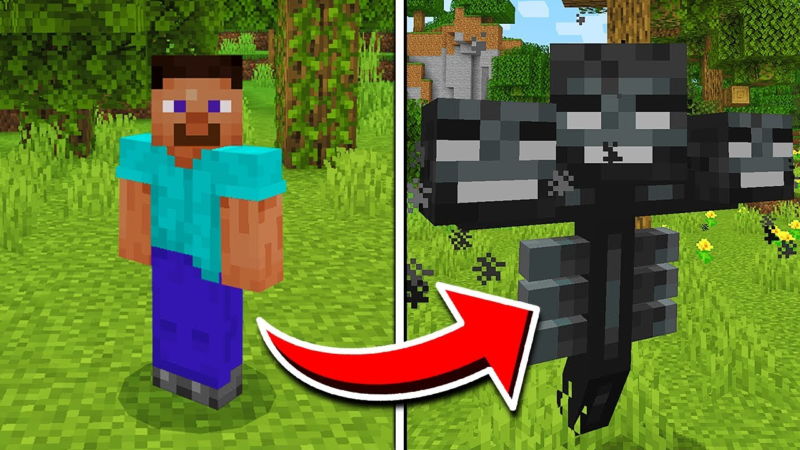
We have a tested Java mods library — the most popular being the New Guns Mod (16,000+ downloads) and the Morph Mod:
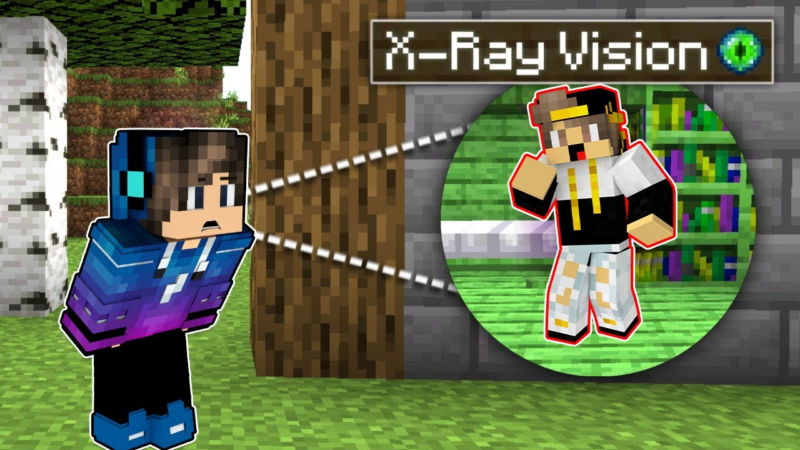
And the Pehkui size-changing mod that rescales your character:
Top 4 Problems and Fixes
- Game crashes on launch: 90% of the time it is a version mismatch — make sure loader version, game version and mod version all match
- Mod shows in Mods menu but does nothing: it is probably missing a dependency library — read the mod page: most need a library file like Fabric API or Kotlin for Forge next to them
- No mods folder appeared: run the game once with Forge/Fabric — the folder is created automatically, or create it manually with the same name
- Game became laggy: remove mods one by one to find the culprit, reduce Render Distance, and update your GPU drivers
Pro Tips Before You Go
- Do not install many mods at once: add them in batches — if a crash happens you know the cause instantly
- Stay on a stable version: the newest version is not always best for mods — wait until your favorite mods update
- Back up your world before any new mod — world-generation mods can corrupt old worlds
Bottom Line
The whole formula: loader matching the version + jar file in the mods folder + launch from the loader. Looking for tested, safe Java mods? Our IQMOD library has everything with direct links and scanned files — and read the safety guide if you ever doubt a file.


