

Direct answer: The best lightweight Minecraft shaders for low-end devices in 2026 are: Lunac Shaders for balanced realistic lighting, Simple Visuals for the lightest possible experience, Newb X Dawn for the most beautiful skies, BSL Bedrock for warm cinematic lighting, and Dark Visuals for dark-atmosphere fans. All tested on mid-range devices and running without noticeable lag.
Shaders are not a luxury — they are the difference between a simple blocky game and a living world. This guide gathers the 5 lightest shaders on our site, each available with a direct download link.
1. Lunac Shaders — The Perfect Balance

The most popular choice for mid-range phones: realistic sunset lighting, animated water and soft shadows — all with stable performance. Runs on 1.21.20 and newer.
2. Simple Visuals — The Lightest of All
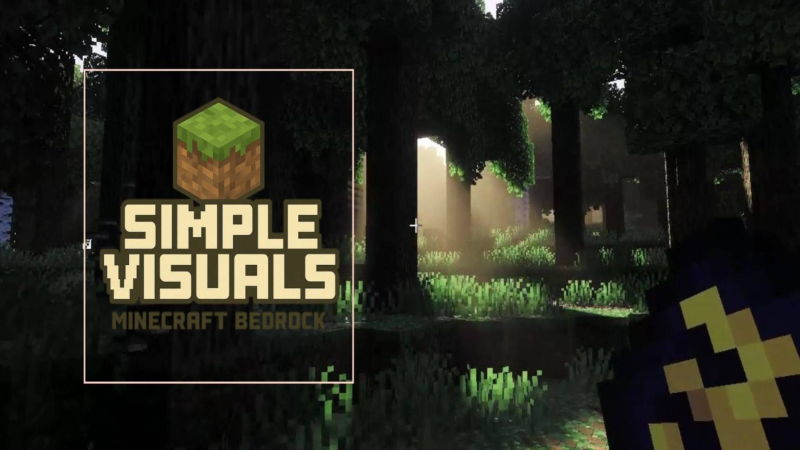
If your device is truly weak (3GB RAM or less) start here: enhanced visuals with natural lighting at near-zero cost. Not the flashiest on the list, but the one that will never hurt your FPS.
Download Simple Visuals here ←
3. Newb X Dawn — The Most Beautiful Skies

A sky and lighting system beyond expectations: moving clouds and cinematic sunrise. Runs on modern versions (26.40+) and feels like a high-end device experience on a mid-range phone.
4. BSL Bedrock — The Famous Warm Lighting
The Bedrock version of the most famous shader in Minecraft: warm golden lighting that turns any wooden house into a masterpiece. The Bedrock build is much lighter than the original Java one.
5. Dark Visuals — For Dark Atmosphere Fans
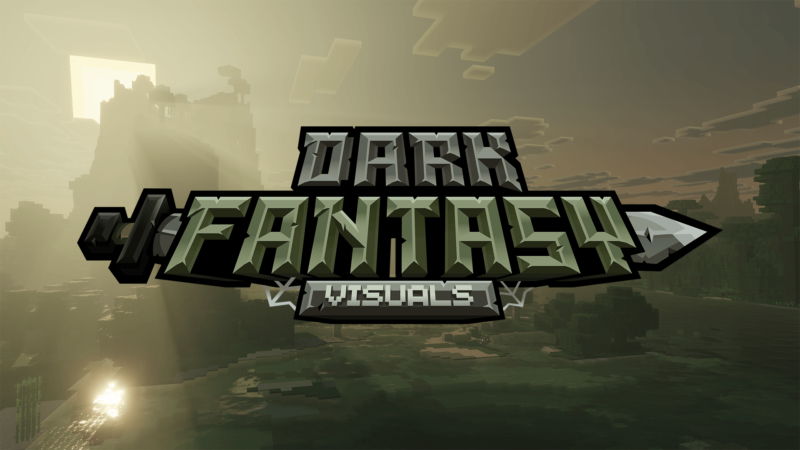
Fantasy night vibes with glowing accents — perfect for horror servers and dramatic builds. Surprisingly light on performance despite the fancy look.
Quick Comparison
| Shader | Best at | Suits |
|---|---|---|
| Lunac | Overall balance | Most mid-range devices |
| Simple Visuals | Lowest cost | Very weak devices |
| Newb X Dawn | Skies and lighting | Mid and high phones |
| BSL Bedrock | Warm lighting | Building and screenshots |
| Dark Visuals | Dark atmosphere | Horror and servers |
How to Install Any of Them in a Minute
All of these ship as .mcpack files that open with one tap. The full step-by-step is in our Bedrock shader installation guide — and the complete list of every shader is on the Minecraft shaders page.
Bottom Line
Start with Simple Visuals for a weak device, or Lunac for the best balance — all free with direct links. And if you ever wondered whether shaders are safe, read the mod safety guide — we scan every file before publishing.


