

Sodium
The fastest and most compatible rendering optimization mod for Minecraft. Now available for both NeoForge and Fabric!
Everything About Sodium
Read the full article about the mod
Sodium is one of the most powerful performance optimization mods for Minecraft. It was developed to make the game run much smoother by drastically increasing frame rates (FPS) and reducing stuttering, while keeping the natural look and feel of Minecraft’s graphics. If you’ve ever struggled with lag or frame drops, Sodium is the ultimate solution.
Compatibility
The mod works on Minecraft: Java Edition, supporting multiple versions including 1.20.1. It is designed to run on Fabric, and also works well with Quilt. Sodium can be combined with other optimization mods like Lithium and Phosphor for even better results.
Key Features
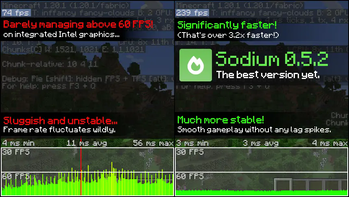
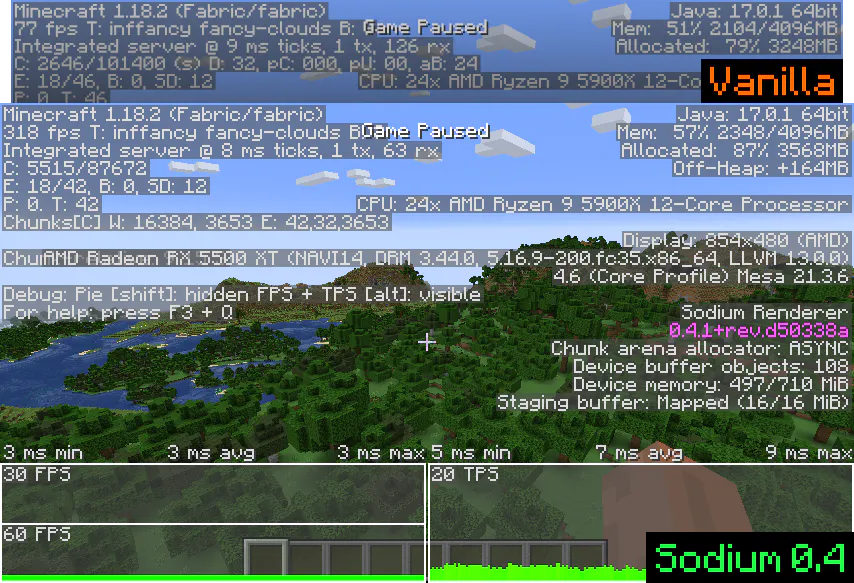
Massive performance boost: Increases FPS significantly, even on low-end PCs.
Advanced rendering engine: Fixes common graphical issues and improves visual clarity.
New settings interface: Replaces the default video settings menu with a cleaner and more organized one.
Wide compatibility: Works seamlessly with most other mods without conflicts.
Full customization: Allows players to adjust graphics details like lighting, transparency, and shadows for the best performance-quality balance.
Stable gameplay: Reduces lag spikes and makes chunk loading much smoother.
Installation Guide for Minecraft 1.20.1 (Fabric)
Step 1: Install Fabric Loader
First, install Fabric Loader, which is required to run mods.
You can do this using any launcher that supports Fabric.
Step 2: Install Fabric API
Sodium requires Fabric API to function properly.
Place the Fabric API file inside your mods folder along with Sodium.
Step 3: Create the “mods” folder
If you don’t already have a folder called mods in your game directory, launch the game once with Fabric and it will be created automatically.
Step 4: Add Sodium
Download the Sodium .jar file and place it inside the mods folder.
Step 5: Launch the Game
Start Minecraft using the Fabric version.
Go to the video settings menu and you’ll see the new Sodium settings interface, confirming that the mod is active.
Step 6: Optional Enhancements
Combine Sodium with Lithium (for game logic optimizations) and Phosphor (for lighting optimizations) to maximize performance.
If you want shaders while keeping Sodium’s benefits, you can add Iris Shader Mod for high-quality visuals.
Conclusion
Sodium is more than just a small optimization — it’s a must-have for anyone who wants Minecraft to run smoothly. Whether you’re on a high-end system or a low-spec machine, you’ll notice an immediate improvement in FPS and overall stability. When paired with other performance mods, Sodium delivers the ultimate smooth Minecraft experience
Sodium Minecraft Mod Screenshots
View images and verify quality before download
Image Gallery
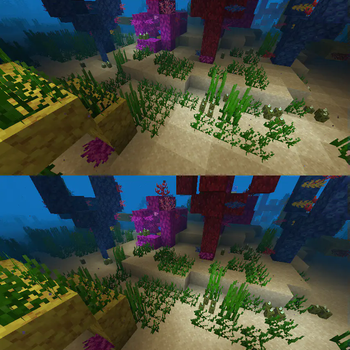
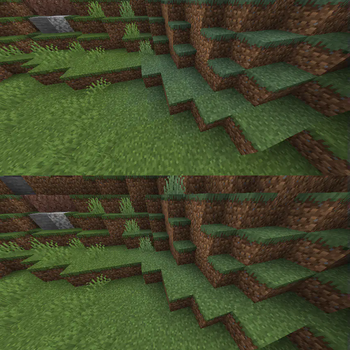
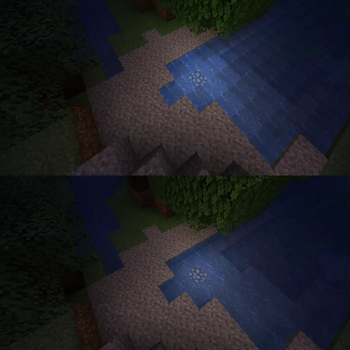
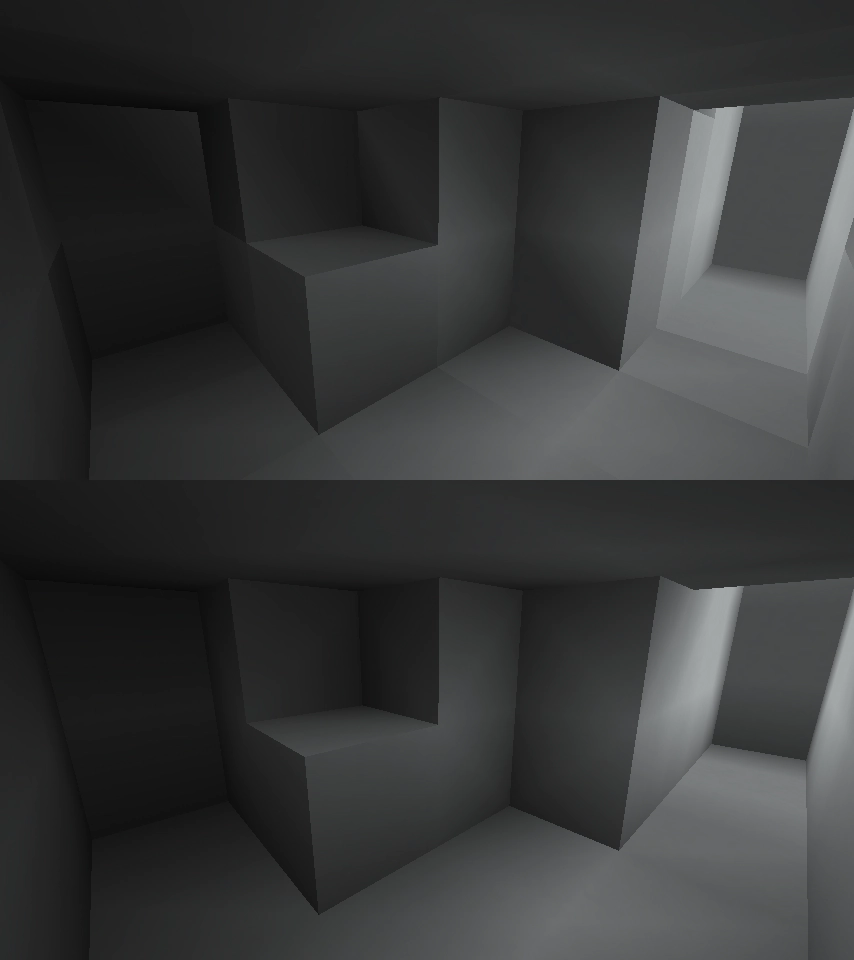
Sodium Technical Information
Learn technical details, version, and supported platform
Technical Specifications

Your Own Minecraft Server! 🎮
Start your own server with friends on BisectHosting — insane performance, one-click mod installs, and 24/7 support. Use the discount code and start at the lowest price!
Download and Share
Download for free or share it with friends
Get the advantage!
Subscribe for early access to exclusive mods and direct downloads without timers or ads.
Mod not opening in Minecraft? This applies to Bedrock edition only (mobile/console) — the issue is your file manager, not the mod. Use our app IQ OpenMC to open the file and it will give you the option to open it in Minecraft directly. (Java players don't need this step)