

Carry On
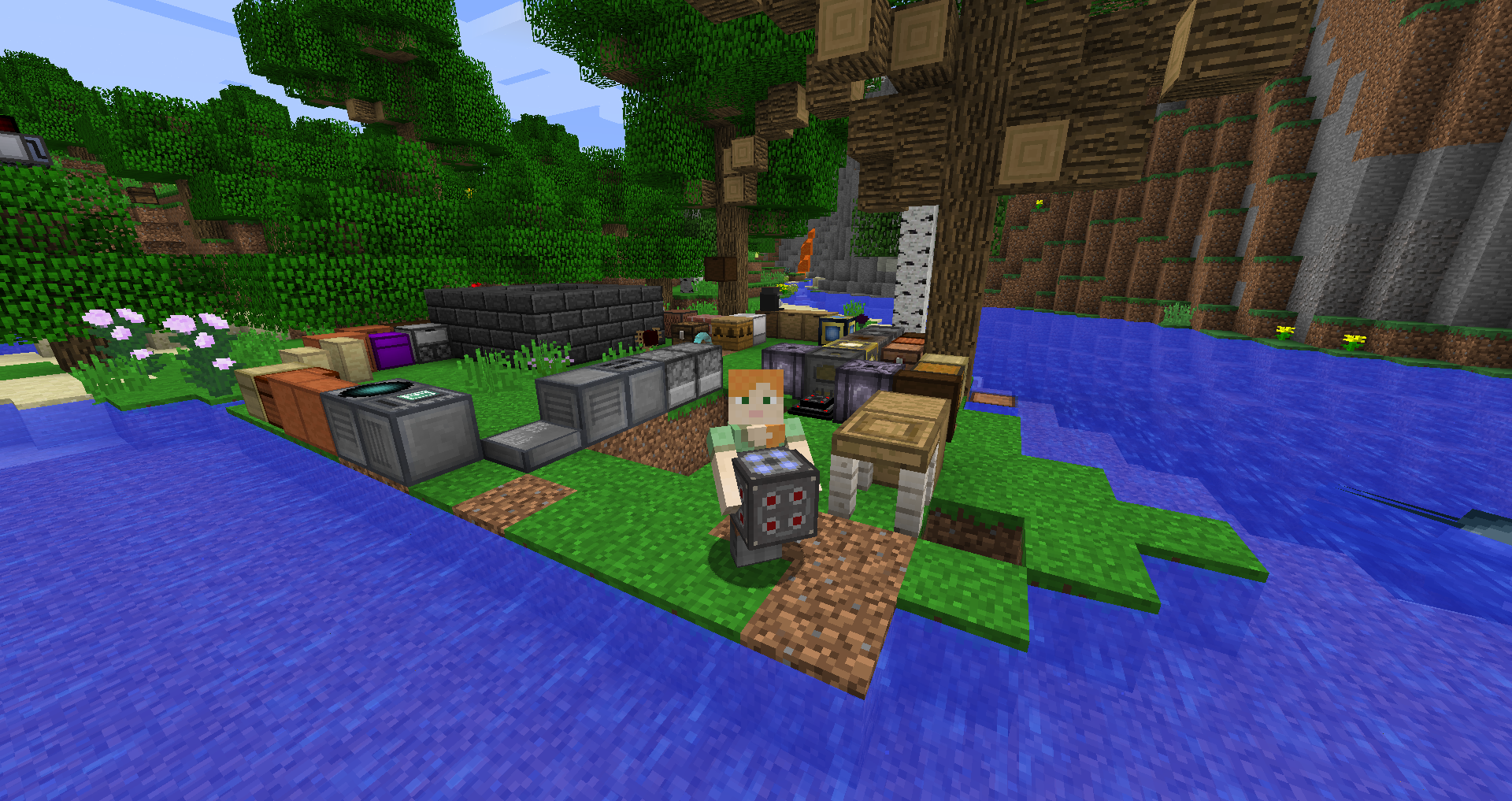
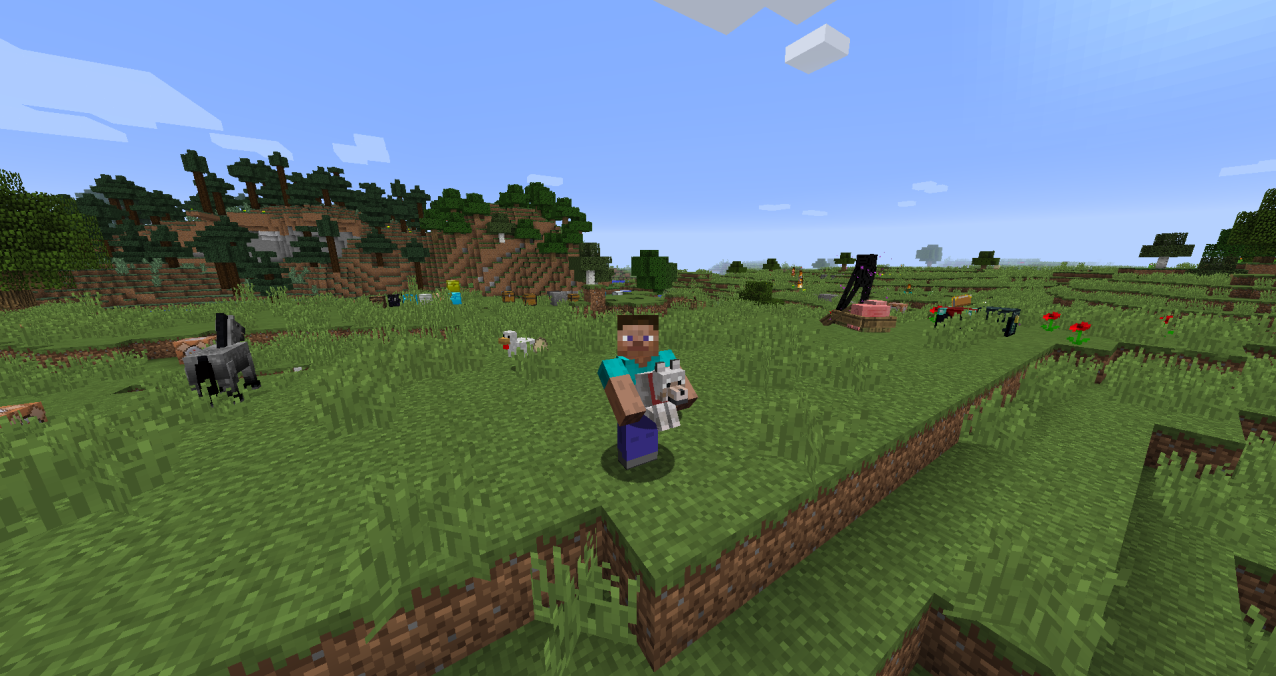
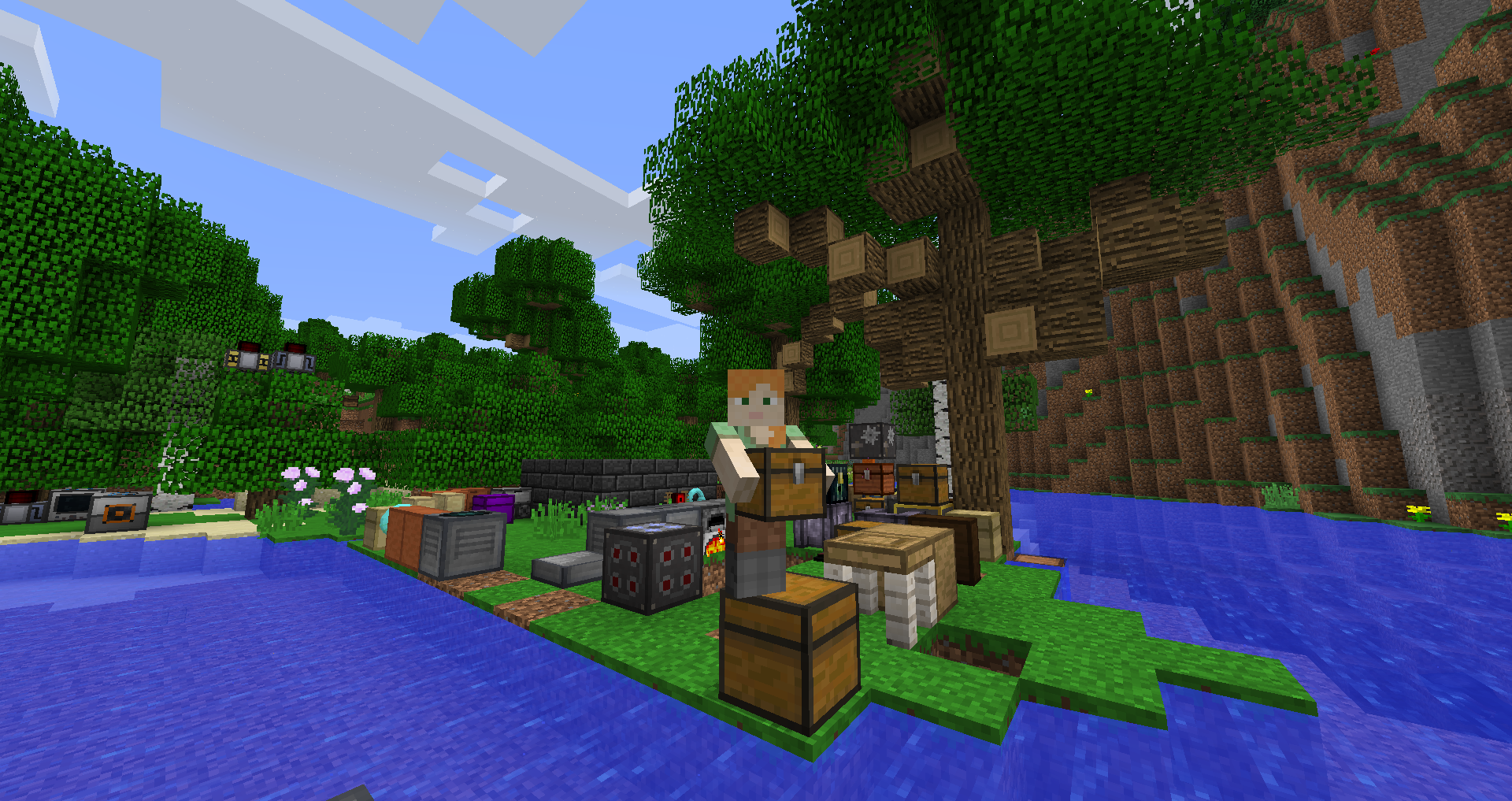
Carry On allows you to pick up Tile Entities and Mobs and carry them around!
Everything About Carry On
Read the full article about the mod
Carry On is a simple yet groundbreaking mod that enhances Minecraft gameplay by allowing players to pick up, carry, and place complex blocks (like chests, furnaces, tech machines, etc.) and even small mobs by hand—without breaking them or using tools. It brings a new, creative and fluid interaction to building and moving within the game.
Compatibility and Support
Fully compatible with Minecraft: Java Edition 1.20.1.
Designed for Forge mod loader (also supports Fabric and NeoForge, but focus here is on Forge).
Usable on both client and server sides.
Key Features
Full State Retention: When picking up a block, it retains all its internal data (inventory, metadata, NBT).
Simple and Intuitive Controls:
Press Shift (customizable) + right-click with empty hands to pick up a block or mob.
Right-click again to place it somewhere else.
Wide Compatibility: Works with nearly all tile entities from vanilla or tech mods—and even small mobs (non-hostile, unless configured otherwise).
Stacking: Allows placing smaller entities atop larger ones (e.g., carrying a pet onto your shoulder).
Respects Locks: Locked blocks cannot be stolen—protecting secured builds.
Realistic Carrying Speed: Carrying heavy or large objects will slow you down slightly—adds realism.
Flexible Configuration: Blacklist specific mods or blocks; enable or disable carrying plain blocks like dirt.
Handy Command: If you cannot place a carried object, use a command like “/carryon clear” to remove it.
Advanced Scripting Support: Enables modpack creators to script behavior for deeper customization.
Installation Guide for 1.20.1 / Forge
Step 1: Prepare the Environment
Have Minecraft Java Edition 1.20.1 installed.
Install the corresponding Forge loader.
Step 2: Mods Folder Setup
Launch Minecraft once with Forge to automatically create a mods folder if needed.
Step 3: Add Carry On Mod
Place the mod’s .jar file for 1.20.1 – Forge into the mods folder.
Step 4: Launch & Test
Run Minecraft using the Forge profile.
Test by picking up a tile entity (Chest, Furnace, Tech block) using Shift + Right-click, then place it with another right-click.
If it works, the installation was successful.
Step 5: Customize Settings
Open the mod’s config file to blacklist blocks or mods, or toggle ability to carry simple blocks.
Adjust the activation key from Shift to any other key if desired.
Community Feedback
Players acclaim that Carry On greatly simplifies moving bulky equipment through tight spaces or intricate builds.
One user described it as a “must-have for anyone rearranging heavy gear,” praising its functionality.
The mod continues to receive frequent updates for newer game versions and broader compatibility with tech mods.
Conclusion
Carry On is an incredibly useful addition to Minecraft that brings a seamless mechanic for transporting complex blocks and small mobs. Highly customizable and easy to use, it enhances building, decoration, and mobility across your worlds. If you enjoy designing dynamic environments or managing technical systems, this mod is an essential companion
Carry On Minecraft Mod Screenshots
View images and verify quality before download
Image Gallery
Carry On Technical Information
Learn technical details, version, and supported platform
Technical Specifications

Your Own Minecraft Server! 🎮
Start your own server with friends on BisectHosting — insane performance, one-click mod installs, and 24/7 support. Use the discount code and start at the lowest price!
Download and Share
Download for free or share it with friends
Get the advantage!
Subscribe for early access to exclusive mods and direct downloads without timers or ads.
Mod not opening in Minecraft? This applies to Bedrock edition only (mobile/console) — the issue is your file manager, not the mod. Use our app IQ OpenMC to open the file and it will give you the option to open it in Minecraft directly. (Java players don't need this step)